Free
₹0
Forever
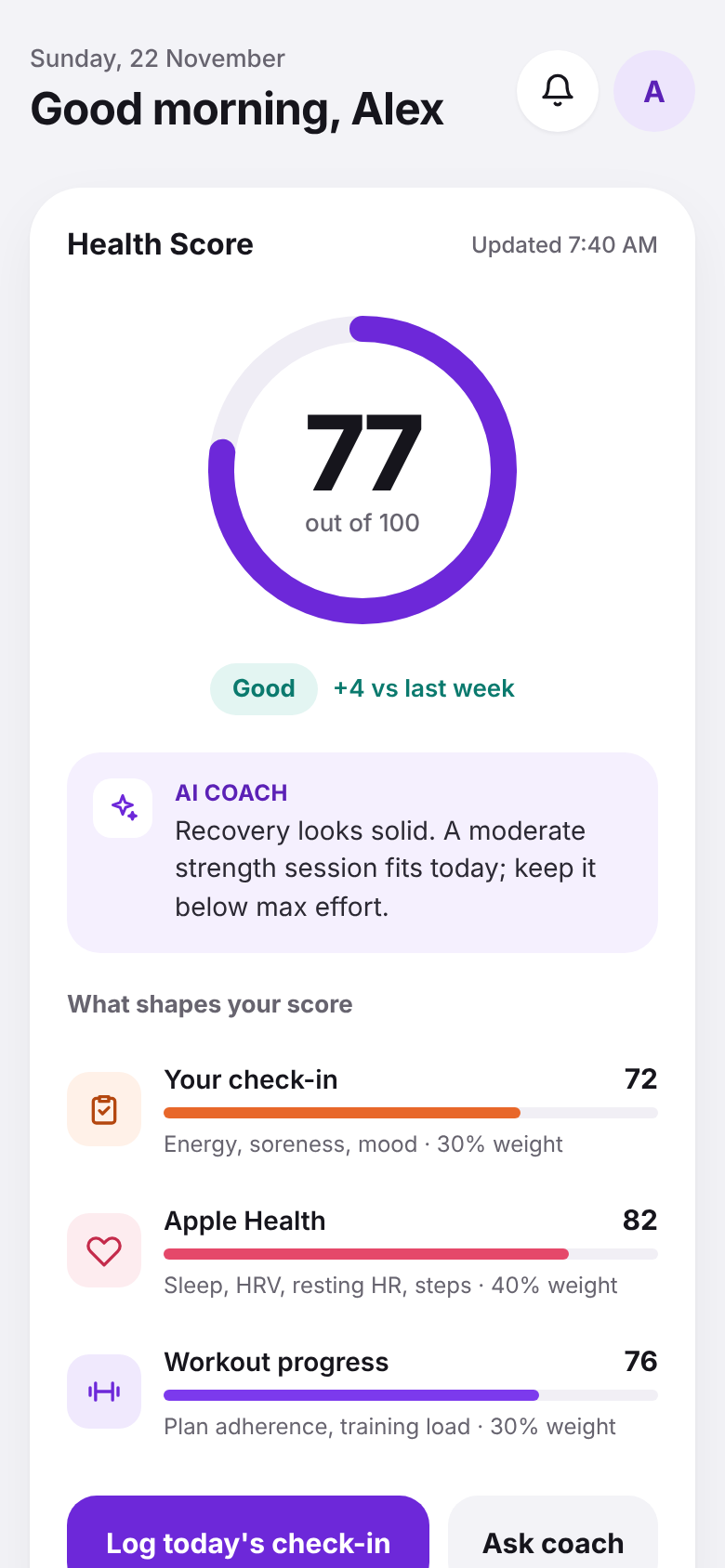
- Health Score, Vitals, Insights and tracking
- Apple Watch app
- Unlimited on-device AI with Apple Intelligence
- 3 VytalCoach Cloud analyses a month
- 1 cloud fitness plan to try

Free to download, with an Apple Watch app included. Connect Apple Health and see your first Health Score in minutes.
Every Pro plan starts with a 7-day free trial. Cancel any time in your iPhone’s Settings.
₹0
Forever
₹999 / year
About ₹83 a month, billed yearly after the trial
Prices shown for India and include applicable taxes. Prices in other countries are set by the App Store. Subscriptions renew automatically unless cancelled at least 24 hours before the end of the current period.
No. VytalCoach works with any data in Apple Health, including steps and workouts from your iPhone. An Apple Watch adds the recovery readings, such as HRV, resting heart rate and sleep stages, that make your Health Score more accurate.
On your iPhone. VytalCoach reads Apple Health with your permission and keeps your check-ins and analysis history on the device. When you run a VytalCoach Cloud analysis, a summary of the data for that period is sent securely, analysed in memory and not stored. Read the privacy policy.
You choose. Apple Intelligence runs entirely on your iPhone. VytalCoach Cloud uses a leading AI model on our servers for deeper analysis, and asks for your consent before the first cloud analysis.
No. VytalCoach gives fitness and wellness guidance based on your data. It doesn’t diagnose or treat any condition. If a reading worries you, or you feel unwell, talk to a doctor. In an emergency, call your local emergency number (112 in India).
Open your iPhone’s Settings, tap your name, then Subscriptions, and choose VytalCoach. Cancel at least 24 hours before your trial or billing period ends to avoid being charged.
In VytalCoach, open your profile and choose Delete Account. This deletes your account on our servers straight away. Data on your iPhone is removed when you delete the app.
Email support@vytalcoach.com. We usually reply within [2 working days].